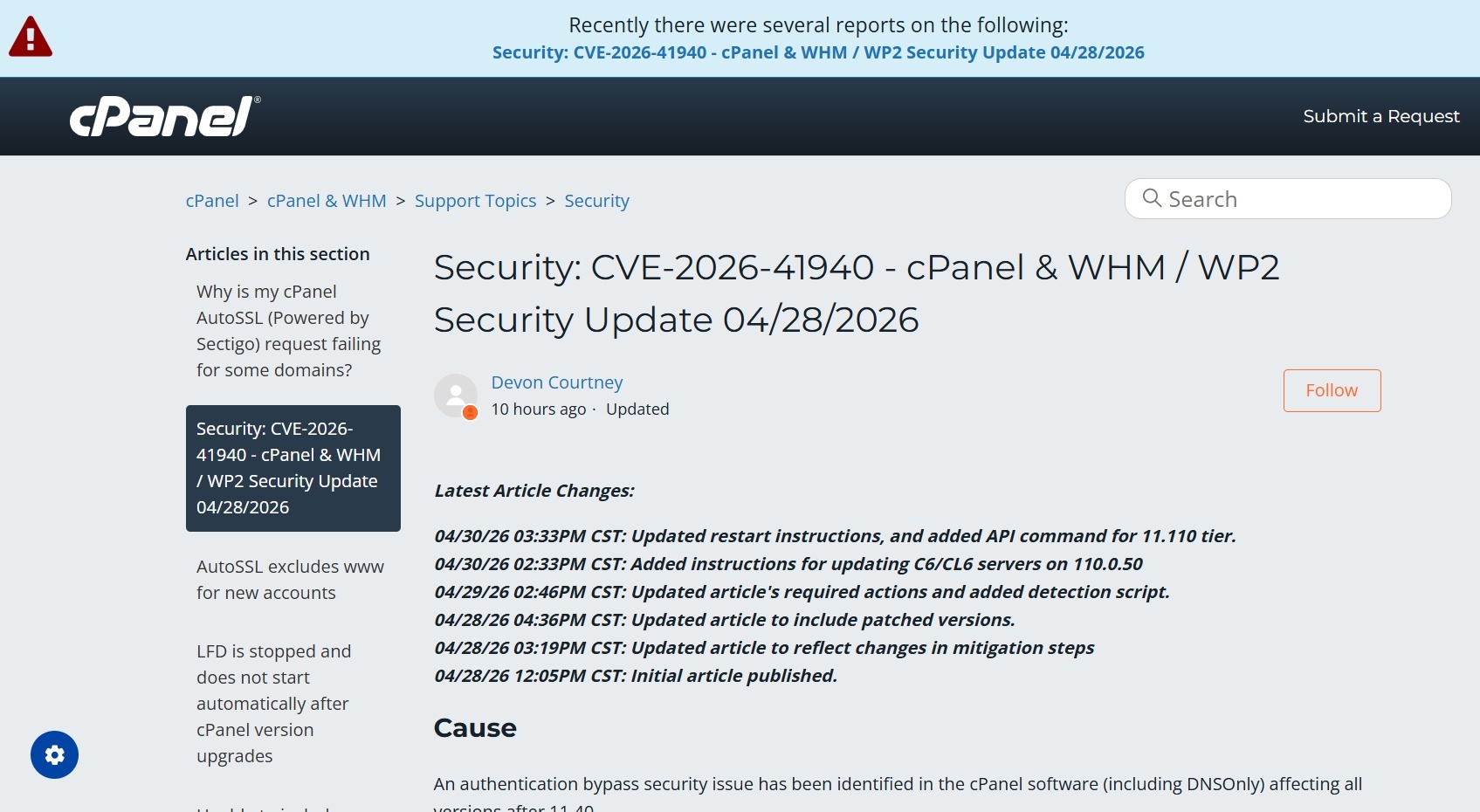
If you run a cPanel / WHM server, the recent security alert about CVE-2026-41940 is something you should take seriously.
This vulnerability was rated Critical (CVSS 9.8) and affects cPanel & WHM login systems. According to public advisories, an unauthenticated attacker may gain unauthorized access to the control panel if the server is not patched.
For hosting providers, VPS owners, and server administrators, this is a high-priority update.
What Happened on My Server
I manage a CloudLinux 7 + cPanel/WHM server.
As soon as I saw the advisory, I tried to patch using:
/scripts/upcp –force;
But the update failed repeatedly with:
Cannot upgrade to 11.110.0.97 until needed system packages are installed.
That means the security patch was available, but my system environment was blocking the upgrade.
Why This Happens on Older Servers
Many older cPanel servers have legacy settings, outdated repo configs, package conflicts, or custom yum exclusions.
In my case, the hidden issue was inside:
/etc/yum.conf
There was an old exclude= line blocking important packages such as:
- php*
- exim*
- dovecot*
- filesystem
That prevented cPanel from installing required dependencies.
How I Fixed It
Step 1 – Backup yum.conf
Step 2 – Remove / comment old exclude rules
I temporarily disabled the old package exclusion line.
Step 3 – Run update again
/scripts/upcp –force
After that, the update completed normally.
Patched Versions
cPanel released fixed builds including:
- 11.110.0.97
- 11.118.0.63
- 11.126.0.54
- 11.130.0.19
- 11.132.0.29
- 11.134.0.20
- 11.136.0.5
How to Verify Your Server
Run:
/usr/local/cpanel/cpanel -VIf your version matches the patched release or newer, you are updated.
My Advice to Server Owners
If your cPanel update fails, don’t assume cPanel is broken.
Very often the real issue is:
- old OS package settings
- blocked yum packages
- repo problems
- unsupported legacy software
Need Help With cPanel / Linux Server Issues?
I work with:
- cPanel / WHM
- CloudLinux
- AlmaLinux
- Mail server issues
- DNS problems
- Security patching
- Server migrations
- Performance troubleshooting
You can contact me through this website. ahmmed.com
Source –
https://nvd.nist.gov/vuln/detail/CVE-2026-41940